Updated June 2026. Pricing and features verified in 2026.
Key takeaways
- Hublead wins on live CRM sync: contacts and LinkedIn messages flow into HubSpot one at a time, in context.
- Evaboot wins on bulk export, turning a Sales Navigator search into a clean, enriched CSV in minutes.
- Evaboot starts cheaper (~$9/mo by credits); Hublead has a free Starter plan and paid from ~$32/seat.
- They solve different jobs: pick Hublead for ongoing sync, Evaboot for list building.
The short version: choose Hublead if you want live, one-click LinkedIn-to-HubSpot sync as you prospect; choose Evaboot if your job is exporting and cleaning whole Sales Navigator lists into enriched CSVs.
Hublead vs Evaboot at a glance
| Hublead | Evaboot | |
|---|---|---|
| Starting price | Free Starter; paid from ~$32/seat/mo | From ~$9/mo by credits |
| AI/standout feature | One-click LinkedIn + message sync to HubSpot | One-click Sales Navigator export + cleaning |
| CRM sync / key capability | Live HubSpot sync (contacts + messages) | Bulk export to CSV, then push to CRM |
| Free plan/trial | Free Starter plan | Credit-based trial |
| Best for | HubSpot users syncing as they prospect | Reps building clean lists from Sales Navigator |

Pricing
Evaboot is credit-based and starts from around $9/mo, scaling with how many leads you export and enrich, which keeps the entry point very low. Hublead has a free Starter plan and paid plans from around $32/seat/mo, priced per seat rather than per export. If you only need an occasional list, Evaboot is cheaper; if your whole team syncs every day, Hublead’s per-seat model is more predictable.
Verdict: Evaboot for low-volume list pulls; Hublead for teams syncing continuously.
Features
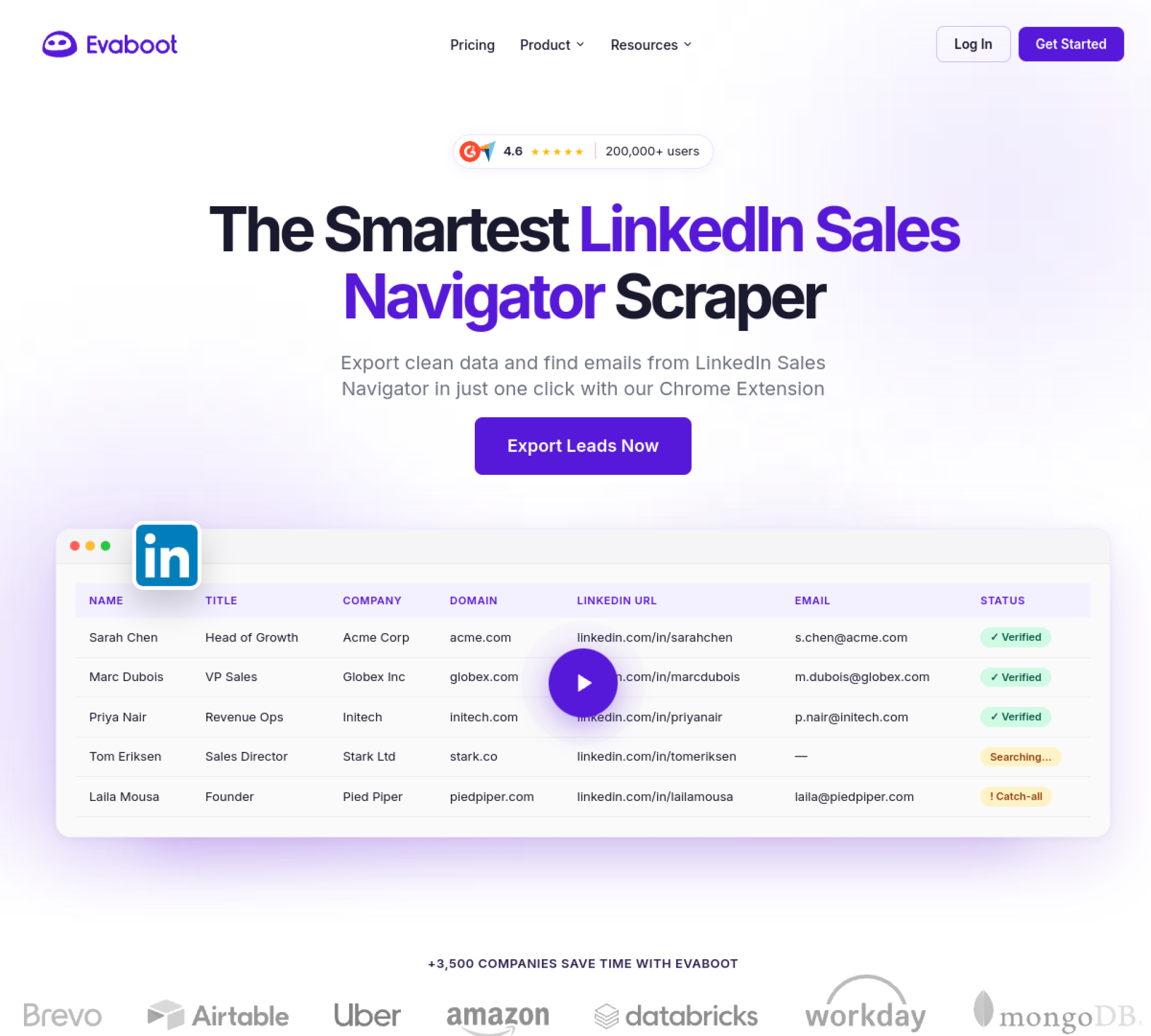
The two tools do genuinely different things. Evaboot exports leads from LinkedIn Sales Navigator, filters out false-positive matches, and finds verified emails, producing a ready-to-use enriched CSV. Hublead works one contact (or conversation) at a time, pushing LinkedIn and Sales Navigator records, including the message history, straight into HubSpot with enrichment attached. One is a batch exporter; the other is a live sync layer.
Verdict: Evaboot for clean bulk exports; Hublead for in-context, ongoing CRM sync.
Integrations
Hublead is built specifically around HubSpot, which is both its strength (deep, native sync) and its honest limitation (it is not for non-HubSpot stacks). Evaboot is more workflow-agnostic: it exports to CSV and pushes into lemlist, HubSpot, Pipedrive, and Zapier, but it depends on an active Sales Navigator subscription to work at all. Both rely on LinkedIn as the source.
Verdict: Hublead if you live in HubSpot; Evaboot if you want CSV-style flexibility across tools.
Ease of use
Both are simple, beginner-friendly tools. Evaboot is close to one-click: run a Sales Navigator search, export, and the cleaning happens for you. Hublead is just as easy but built for a different rhythm, syncing as you browse profiles rather than in batches. Reps who prospect account by account prefer Hublead; reps who build lists in sittings prefer Evaboot.
Verdict: A tie that depends on your workflow, not on difficulty.
See the live, data-driven breakdown on our Hublead vs Evaboot comparison page.
The tools in this guide
Pricing, standout features, and where each one wins.
HubSpot users who prospect on LinkedIn and want one-click CRM sync.
Pricing
$32/mo
From ~$32/seat/mo; LinkedIn-to-HubSpot sync + enrichment
Key features
- Email finder
- Mobile / direct dials
- Bulk enrichment
- LinkedIn / Chrome extension
- 1-click CRM export
- API & webhooks
Reps who build lists in Sales Navigator and need clean, enriched exports.
Pricing
$9/mo
From ~$9/mo by credits; export + enrich Sales Navigator
Key features
- Email finder
- Email verification
- Bulk enrichment
- LinkedIn / Chrome extension
- 1-click CRM export
- API & webhooks
Build your sales stack
Compare 20+ sales tools side by side, free.